How Can We Help?
Remote Support Installation
Winodws
- Login to the computer as Administrator.
- Download the installation wizard →

If you get the message: “Google Drive can’t scan this file for viruses” click the “Download anyway” button.
Unzip the downloaded file password is: VIN-Remote-Setup - If you downloaded on a different device copy/move the file the player PC.
- Run the file you extracted “VIN-Remote-Setup.exe”
- You will get the following message, click “OK”:
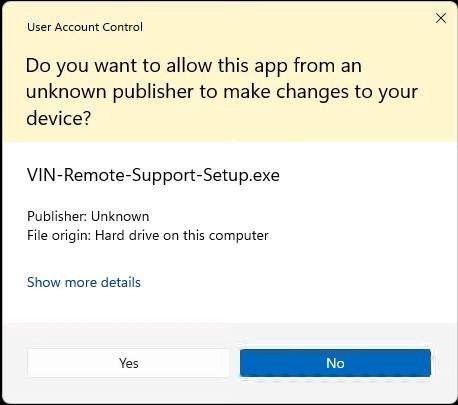
- You will get a message similar to the following (the version number may be different), click “OK”:
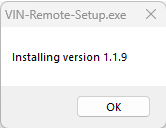
- If the app was previously installed on the device you may get the following message, click “OK”:
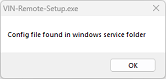
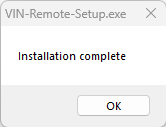
- You will get the following message, click “OK”:
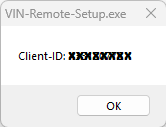
- You will get the following message, copy the number and provide it to support, click “OK”:
- The installer may still do some cleanups, if you see an hour glass let it finish.
- You will get the following message, click “OK”: